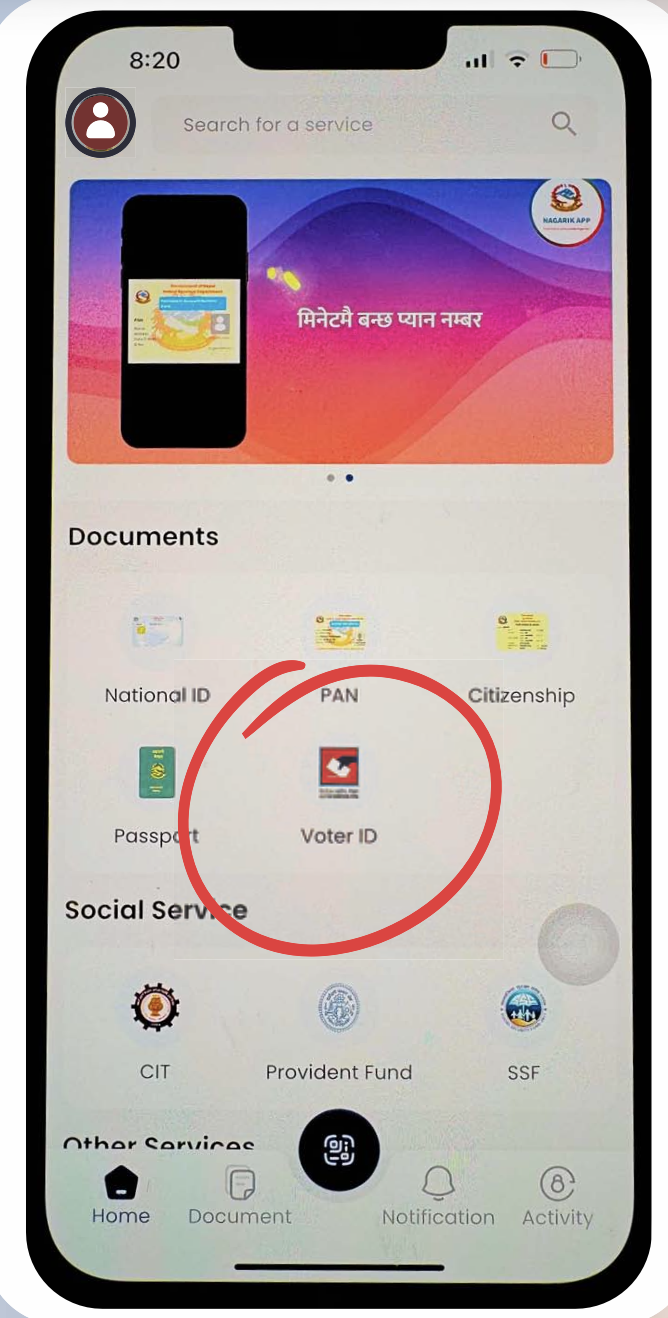
How to Register for your Voter ID Card
A step-by-step guide for those who will be 18 and above (as of 16th Kartik, 2082)
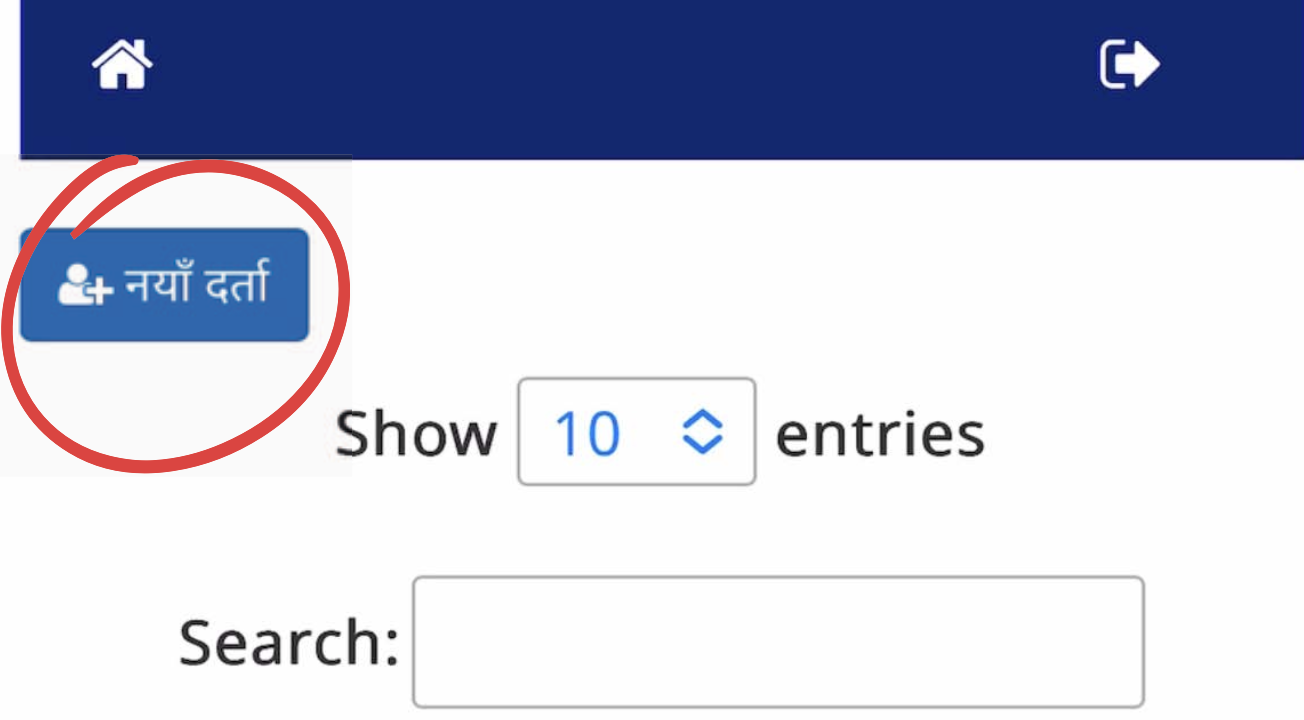
Login to this website for Pre-Registrations- नयाँ दर्ता
Voter Pre-Registration Link
Click in New Registration नयाँ दर्ता
If you already have a Voter’s Card but need to correct any information, you can do it through the Voter List Update (नामावली अधावधिक) process
If you already have a Voter’s Card but need to correct any information, you can do it through the Voter List Update (नामावली अधावधिक) process
If you think you have already registered but are not sure, please check your name in the Voter Roll- मतदाता नामावली
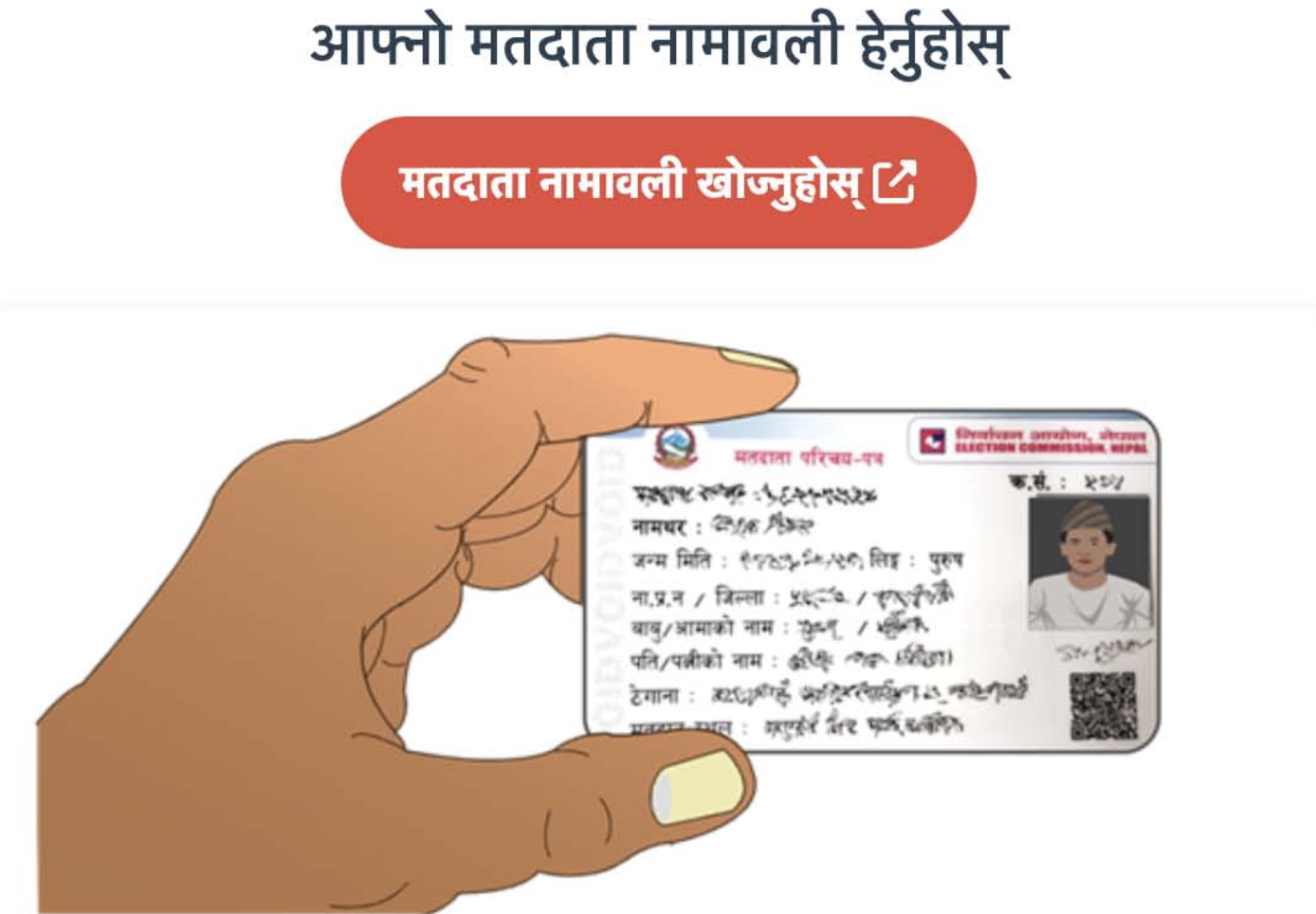
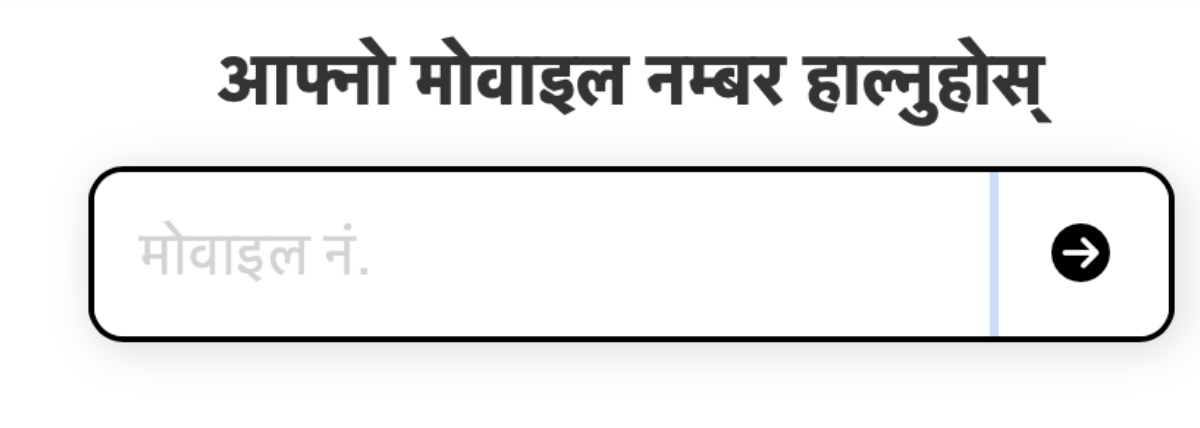
Register using your mobile number
- Enter you active mobile number
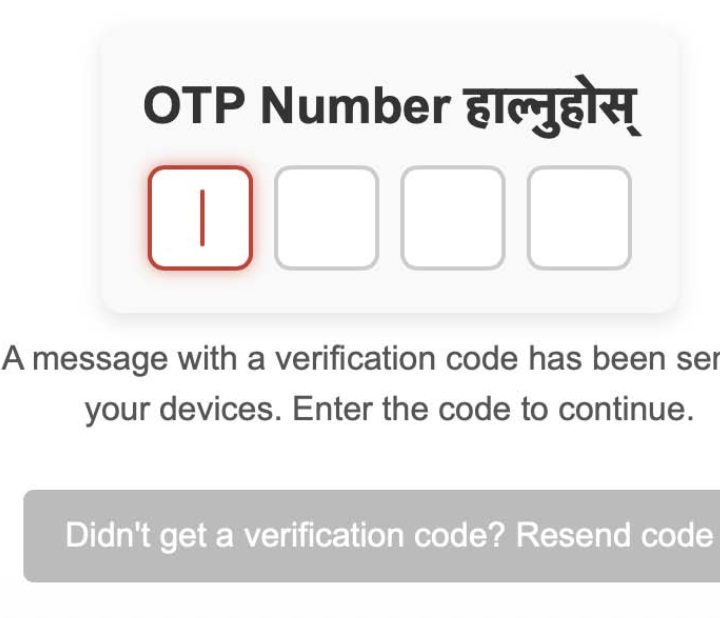
- You will receive an OTP via SMS
- Enter this OTP to verify your mobile number
- After mobile number verification, select नयाँ दर्ता - New Registration to proceed
-
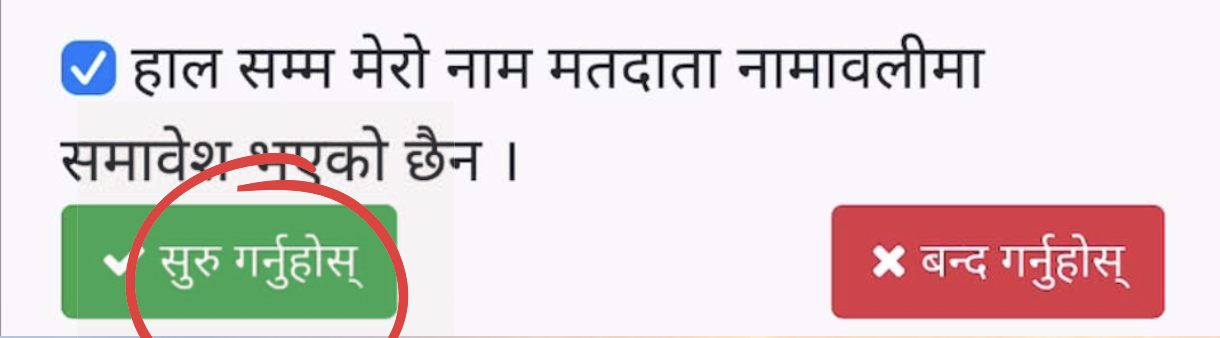
- Please confirm that you have not registered before, and click on सुरु गर्नुहोस्
-
Complete the Online Application Form
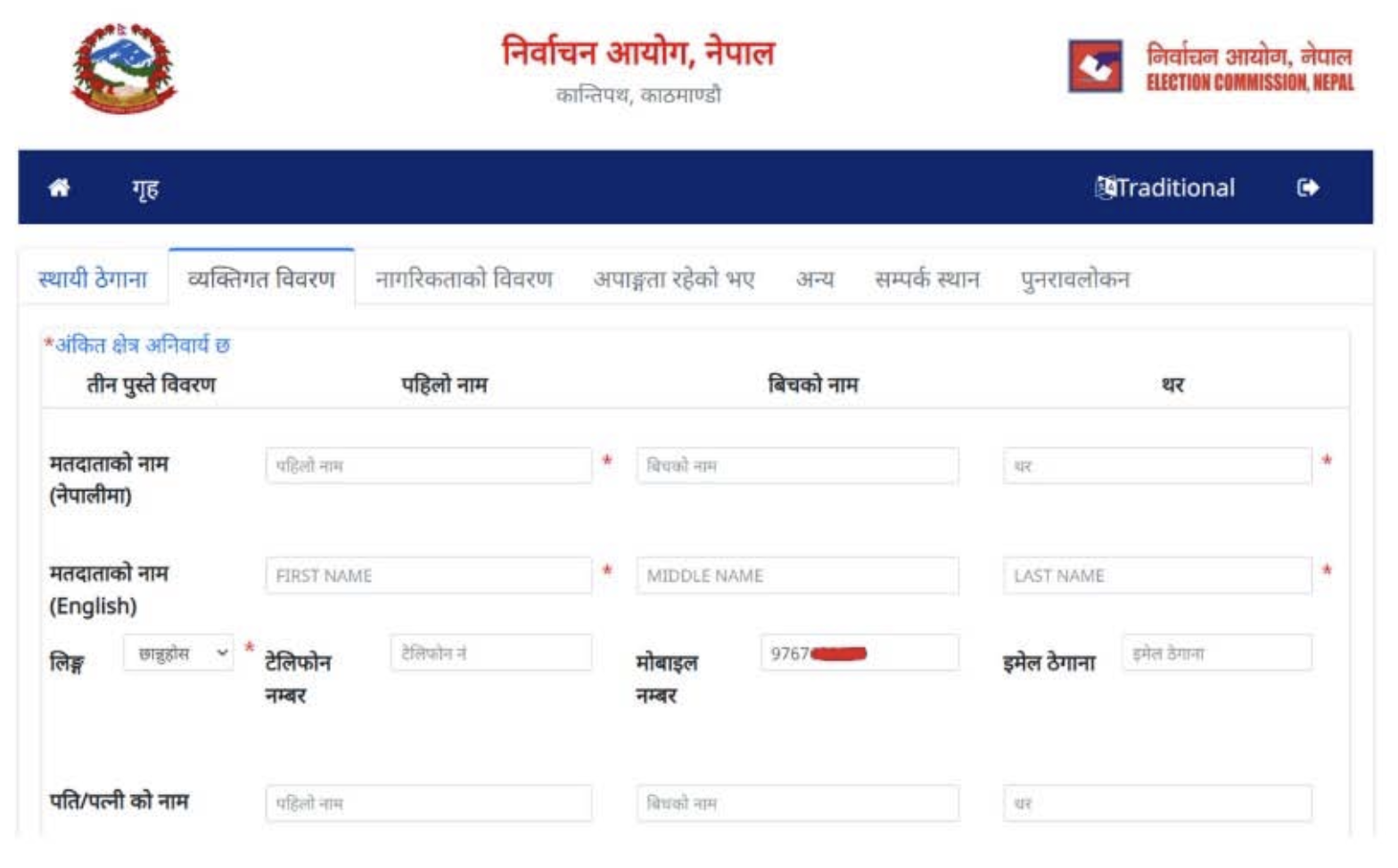
The application form has many section: (Please make sure you have filled all)
Basic Details: Select your Province, District, Municipality/Rural Municipality, Ward Number and Constituency
Personal Information: Enter your Full Name, Date of Birth, Gender, Occupation and other relevant details
Citizenship Details: Provide information form your Citizenship Certificate, including the Certificate Number, Issuing District and Date of Issue.
Citizenship Certificate: original and photocopy
Migration Certificate: original and photocopy - if your permanent address is different from your current residence
Marriage Registration Certificate: original snd photocopy - if you are married and with to change your voting address
Keep images of your necessary documents (front & back) saved in your phone/laptop. Make sure the file size is not bigger than 1MB each
Final Review: Please check that you have entered all the correct information
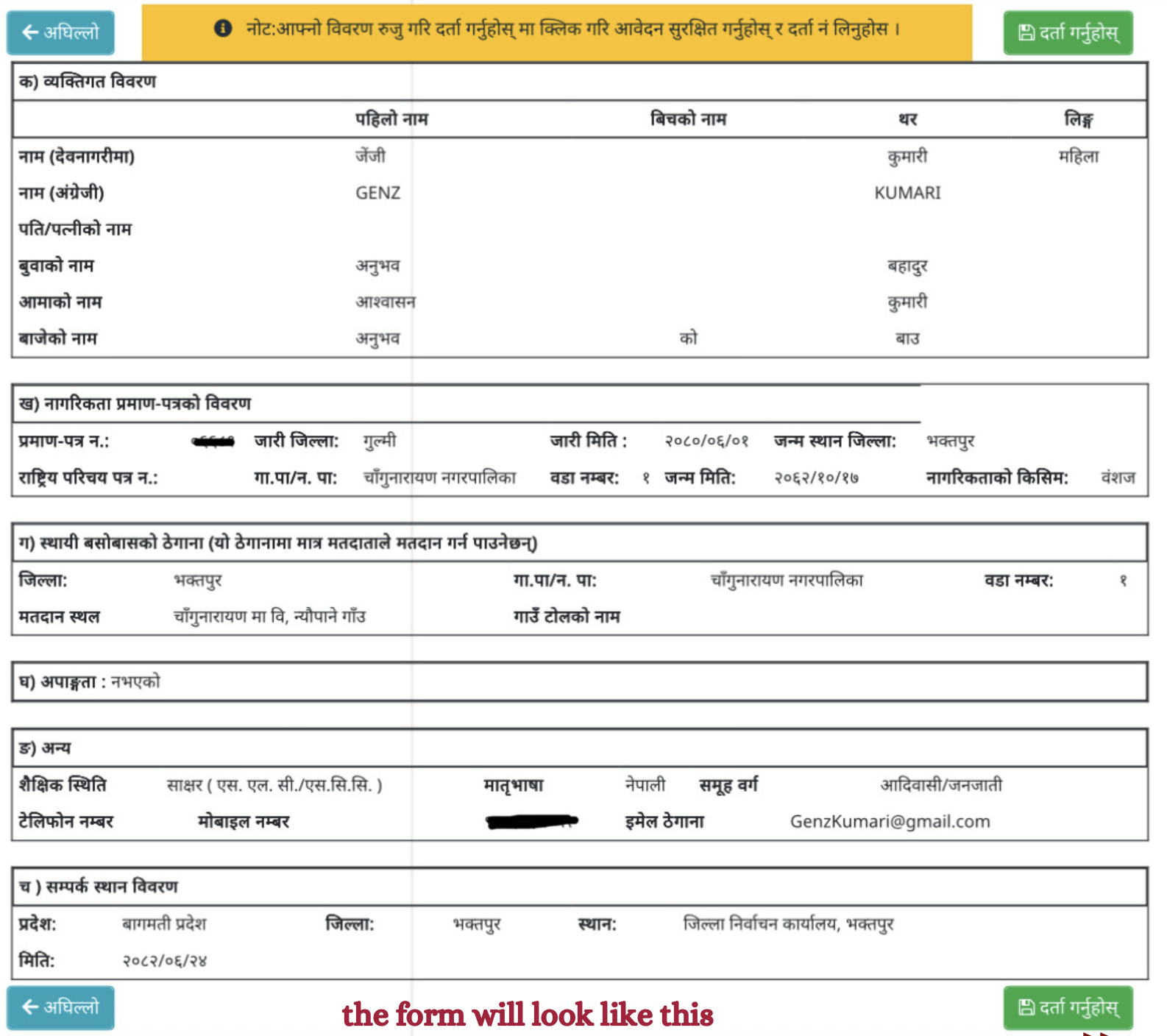
Submit and print the application form. After completing the form, submit it online.
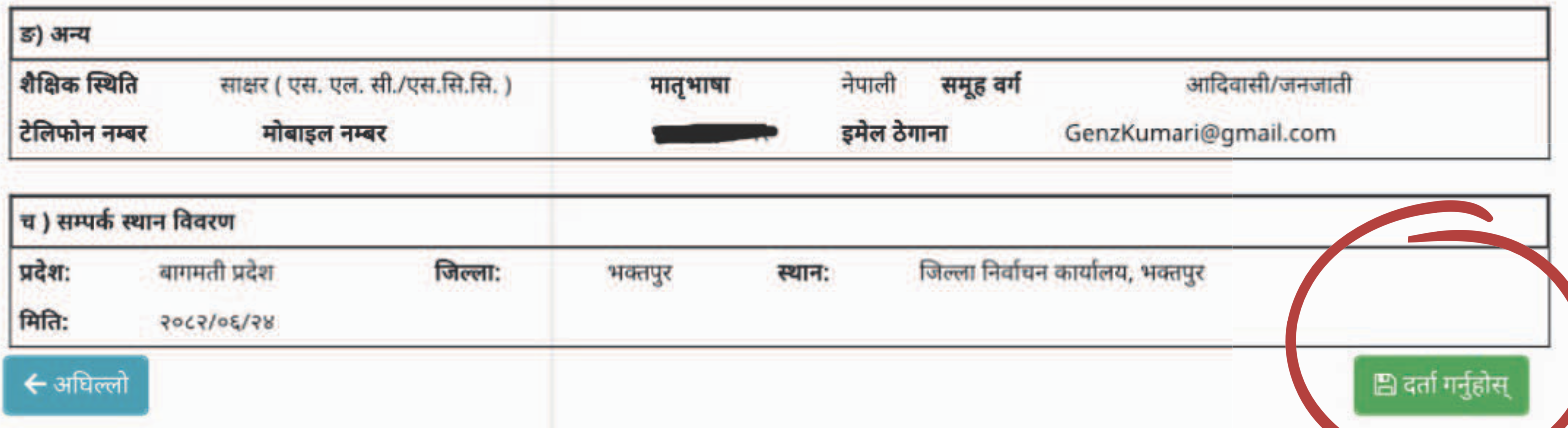
- A filled - out application from with a unique 9-digit reference number will be generated
- Download and print the form
Visit the election commission office
You can register from any election office near you. There is no need to be at your parmanent address. First apply online and then visit the election commission office to submit your printed form
- Bring the printed application form
- Presen the original and photocopied of the required documents.
- At the EC office, your photosgraph, fingerprints and signature will be taken for biometric verification
Confirmation and voter ID issue
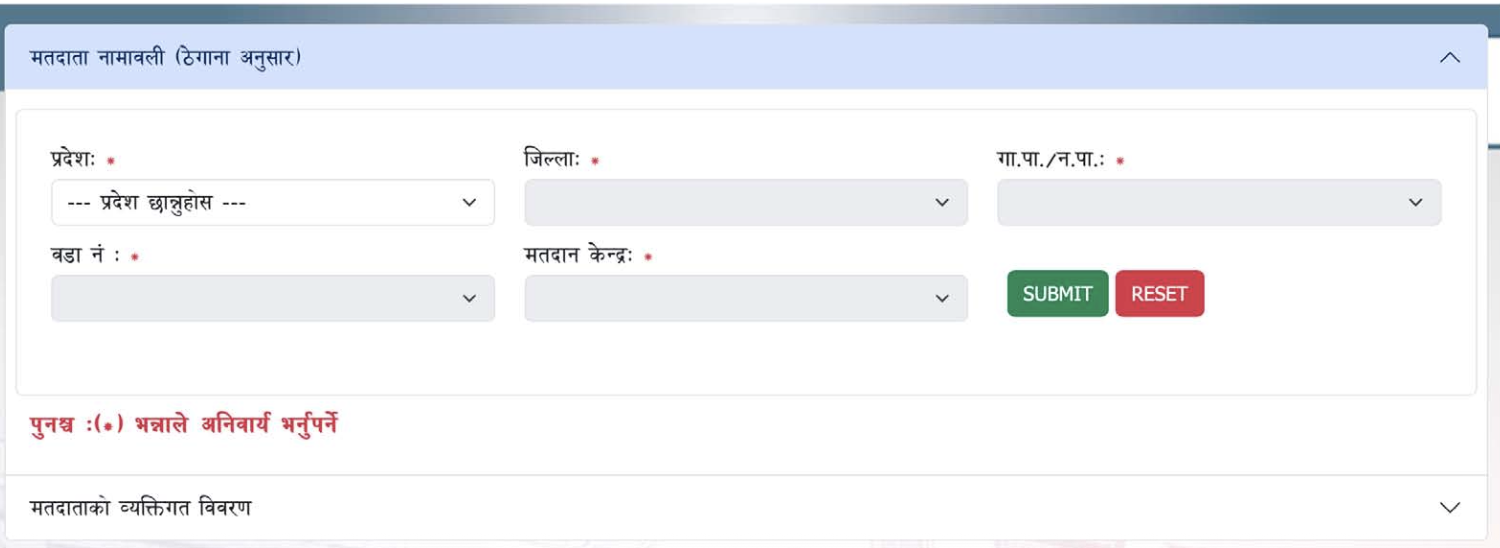
- After you biometric verification, your details will be added to the voter roll
- Check your status online and once its is approved, you will get your voter ID card